Lock your drawings on desktop
A lock button on the drawing toolbar stops lines and fibs from moving by accident.
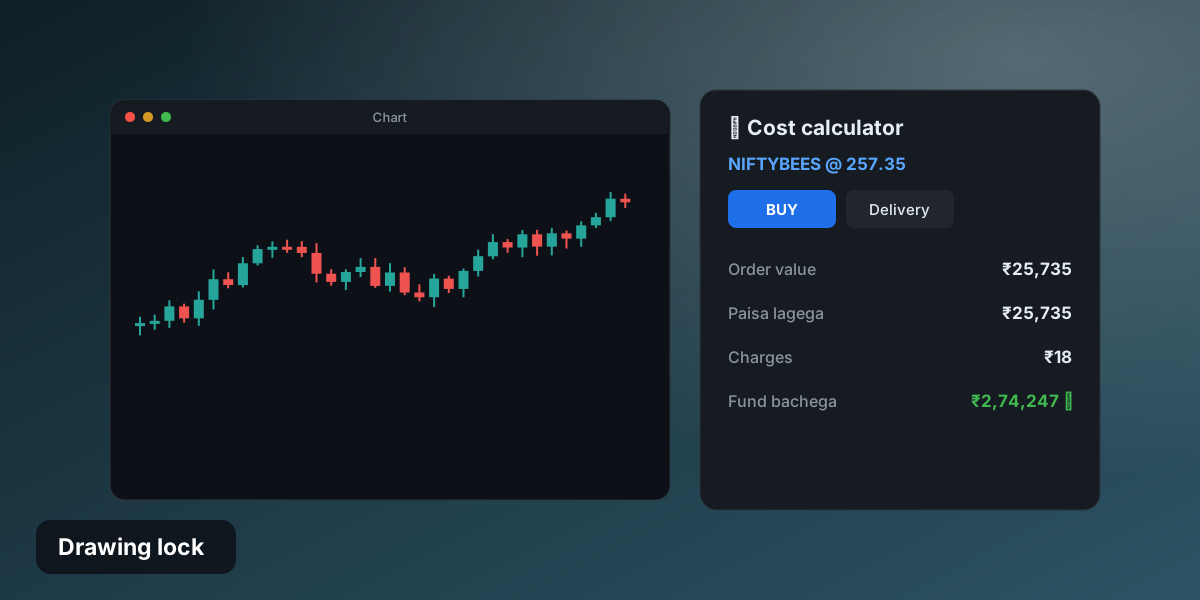
- Lock icon on the left toolbar
- Locked drawings ignore clicks and drags
- Line labels show whole numbers
- Same lock as on mobile
Draw once, keep it put
Turn the lock on after you mark your levels. Nothing moves or gets deleted by a stray click until you unlock.
Try it yourself
Free trial: risk-free practice on NIFTY, BANKNIFTY, stocks and ETFs.
Try Candle915 free →