Mobile menu: a Positions tab with live and practice positions
Open the side menu on your phone and see every open position, live and practice, with a badge that tells them apart.
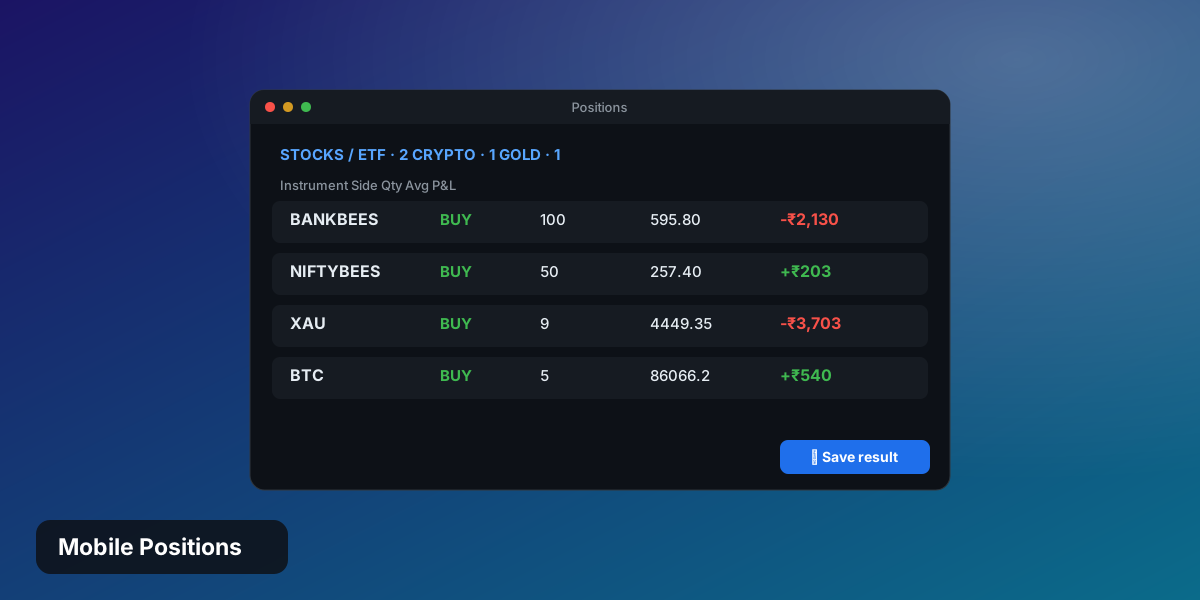
- Positions tab inside the mobile drawer
- LIVE and PRACTICE badges on every row
- Tap a row to jump to its chart
- Same grouping and P&L as the Positions page
Your book, one tap away
The mobile side menu now has a Positions tab. It lists the open positions from your live account and from the practice session you are running, each with a clear badge, so you never confuse a practice trade with a real one.
Try it yourself
Free trial: risk-free practice on NIFTY, BANKNIFTY, stocks and ETFs.
Try Candle915 free →